1
Guest Scans QR
Each table has a unique QR code. Guests scan with their phone camera and the menu opens instantly in the browser.
Let your guests scan a table QR code, browse the menu in their language, and submit orders from their own phones. No app download. No replacing your POS.
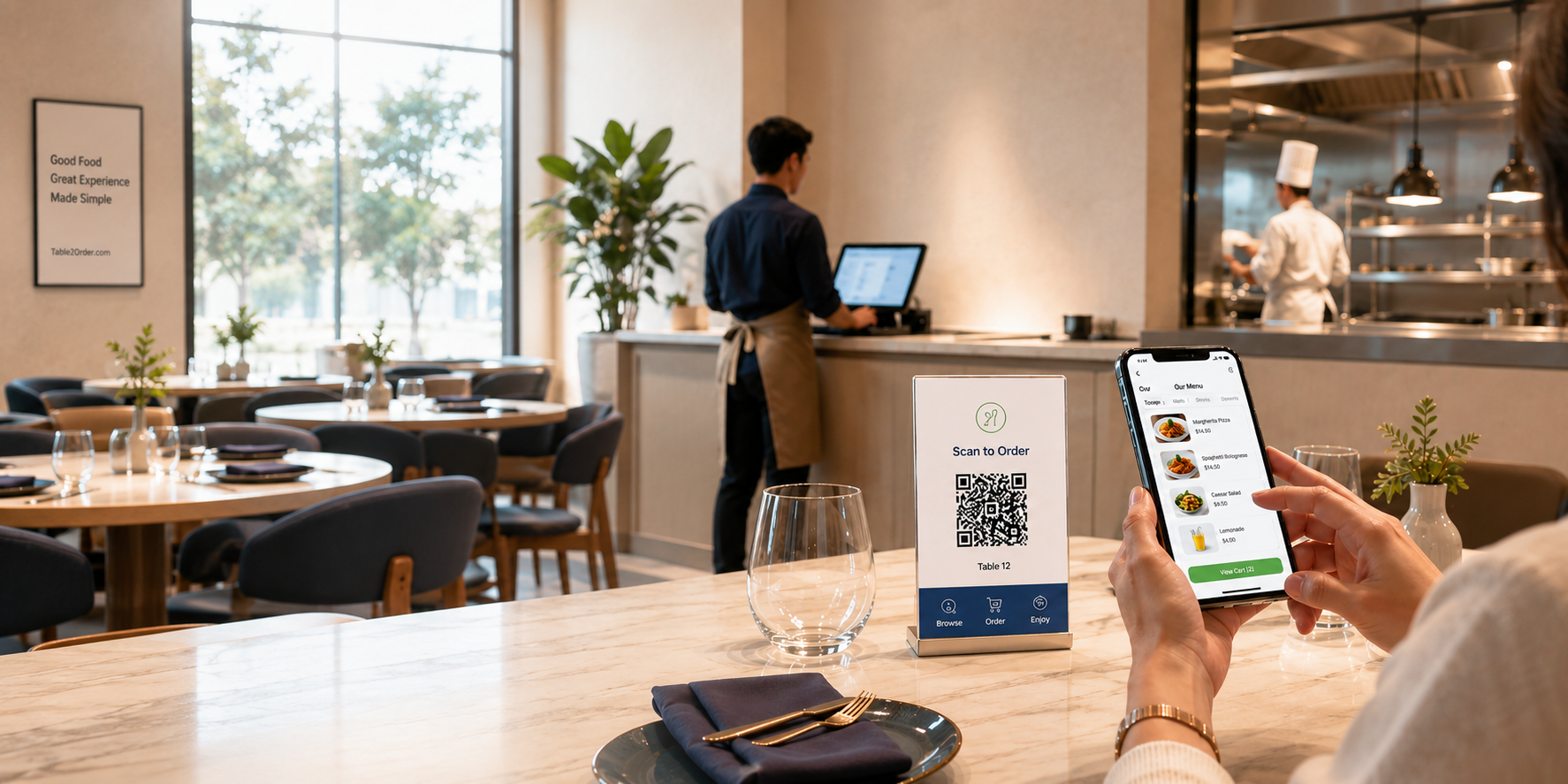
From scan to serve in under a minute. Your guests stay in control, your staff stays in command.
Each table has a unique QR code. Guests scan with their phone camera and the menu opens instantly in the browser.
Guests browse dishes with photos, details, and AI recommendations in their preferred language. Add items to a shared table cart.
Front desk confirms. Kitchen sees items by station. Staff stays in control with real-time coordination from order to settlement.
A complete ordering and operations platform that works alongside your existing POS, not against it.
Each table gets a unique QR code. Guests scan, browse the menu, and submit orders directly from their phone browser. No app download required. Shared cart for the whole table.
Kanban-style service lanes, order confirmation, payment recording, table management, and staff order entry from one workspace.
Real-time station queue with item-level status, done lane, sold-out handling, and reprint actions.
Draft and published workflow, daily inventory, AI-assisted menu setup, categories, options, images, and publish readiness checks.
Points, member pricing, stored value, coupons, and customer wallet. Configurable earn rules and auditable ledger.
Organization dashboard, branch creation, staff assignment, billing-owner coverage, and group-level reporting.
Serve international guests with menus in their language. Automatic translation support for tourist-heavy restaurants and multicultural dining areas.
AI dish recommendations and optional voice ordering. Help guests discover dishes, get ingredient explanations, and place orders through natural conversation.
Every new store gets a one-month trial. Upgrade only when you need more.
Guests scan, browse the menu, and order without downloading an app.
Front desk, kitchen, staff roles, and AI recommendations in one platform.
Loyalty programs, stored value, coupons, and multi-branch management.
Table2Order is QR ordering and restaurant operations software for restaurants, cafes and multi-store teams. It connects digital menus, guest orders, front desk, kitchen and table management.
A QR menu displays dishes. Table2Order also lets guests choose items, build a cart and submit table orders. Staff then handle orders and preparation in the front desk and kitchen workspaces.
Guests open a table QR code in their phone browser to browse the menu and order without downloading an app. Basic guest ordering does not require account registration.
The front desk handles orders, payment records and table clearing. The kitchen sees pending and completed work. Order, payment, kitchen and table states are managed separately; finishing preparation does not mark an order as paid.
POS connections depend on the available adapter and store configuration. Printing uses a paired Android merchant device and a compatible printer. Confirm connectivity and real paper output on your equipment before going live.
Table2Order offers multilingual interfaces and menu assistance. AI menu import, translation and voice features depend on the store's enabled services and configuration. Merchants should review dishes, prices and allergen information before publishing.
Confirm service scope and commercial terms with Table2Order for your restaurant. Review setup options, try the shared demo, then provide menu, table and contact details. The demo does not mean payment or fiscal services are enabled for your store.
Start with a one-month free trial. No credit card needed. Set up your menu and tables in minutes.